Montro

Confluence Data Governance & Access Compliance

Confluence is where your organisation documents the things it would least want exposed - security policies, incident reports, HR processes, client project data. Connect Confluence to Montro to govern who can read it.

01GDPR

GDPR

Confluence and GDPR - every page is a processing activity

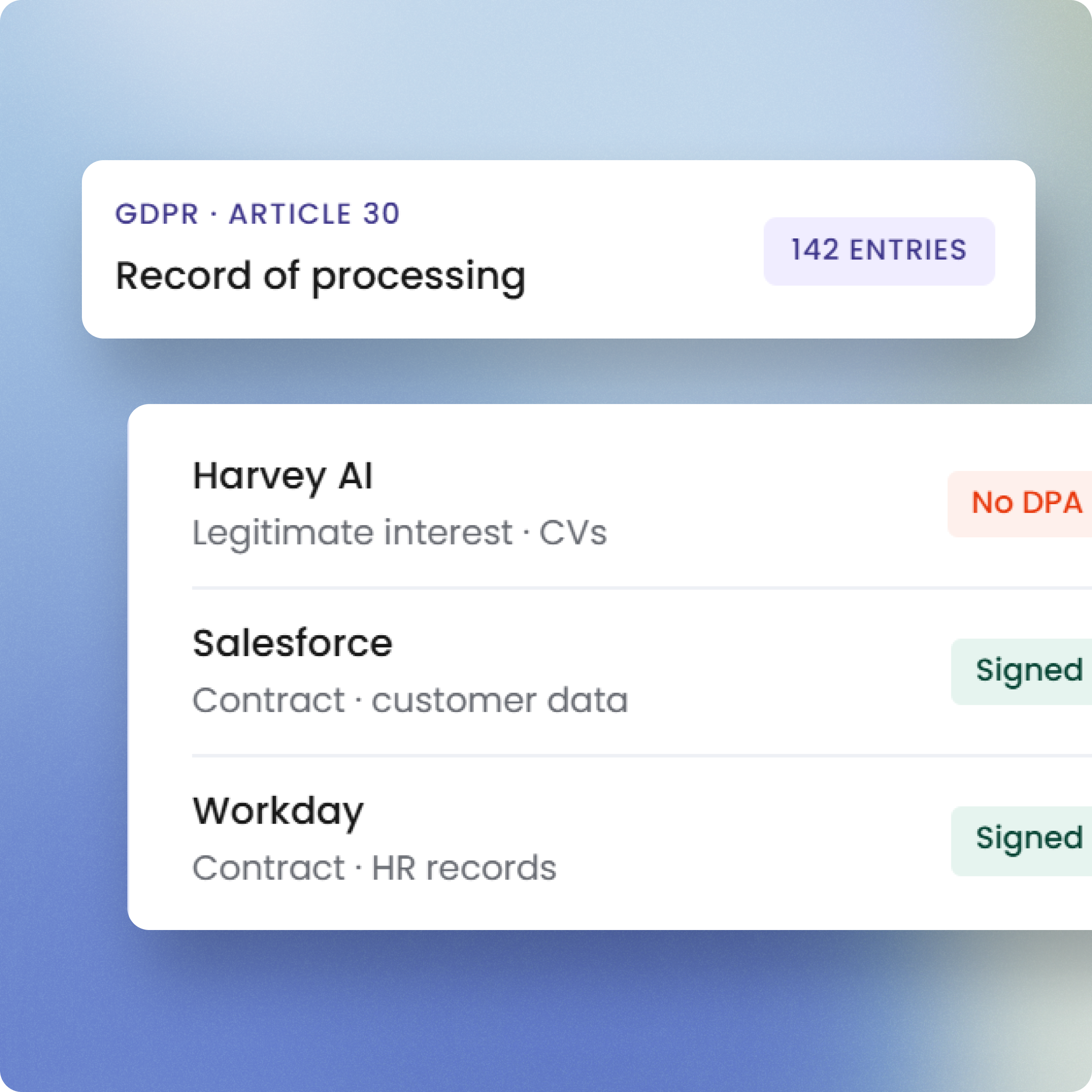
Confluence pages routinely contain personal data - HR policy documents referencing employees, client project notes, incident reports naming individuals, meeting records. That content makes Confluence a data processing activity under GDPR, requiring a lawful basis and a Data Processing Agreement with Atlassian. Montro surfaces who holds Confluence access so your Article 30 record of processing activities can account for it accurately.

Learn more →
02EU AI Act

EU AI Act

Confluence and the EU AI Act - AI is summarising your policies

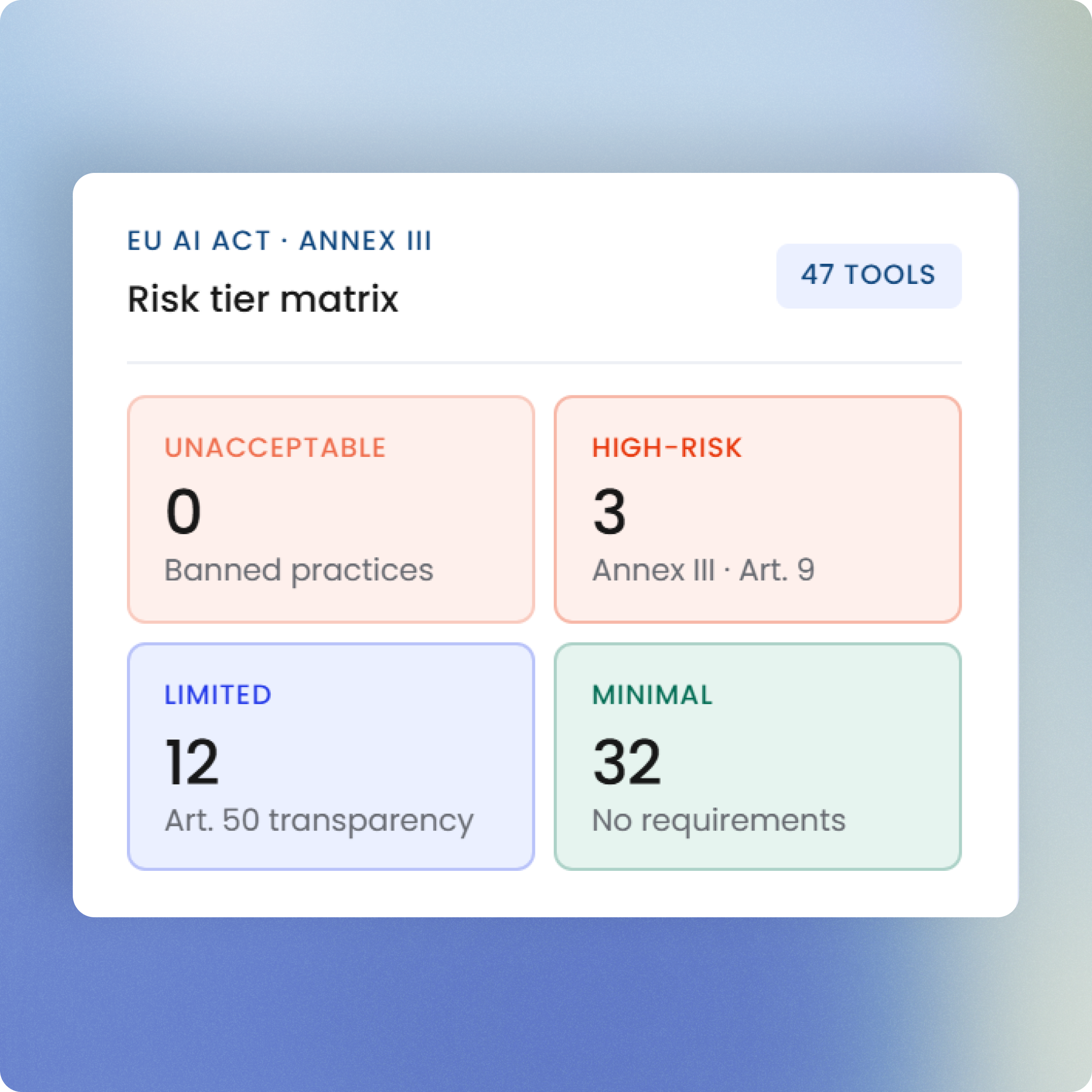
Atlassian Intelligence introduces AI-generated page summaries, content suggestions, and smart search capabilities into Confluence. If your organisation has these features enabled, they qualify as AI systems under the EU AI Act and deployer obligations apply. Usage in contexts where AI summarises HR, legal, or policy documentation warrants assessment. Montro surfaces Confluence in your governed inventory so AI feature usage is documented.

Learn more →
03DORA

DORA

Confluence and DORA - your ICT register needs its own entry

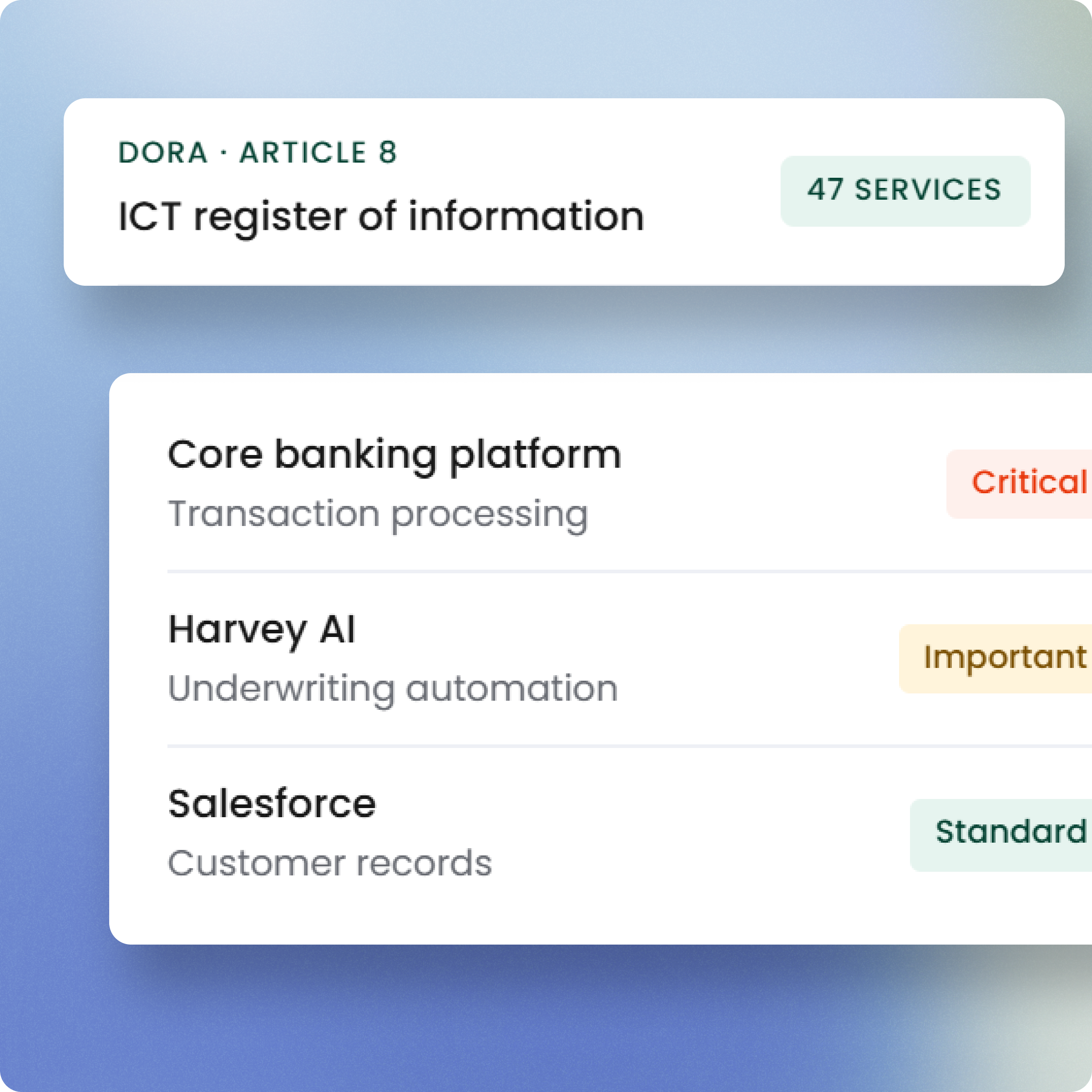
Financial entities frequently use Confluence to document ICT risk frameworks, business continuity plans, operational procedures, and incident response playbooks - documents that DORA directly requires organisations to maintain. An ICT Third-Party Register that does not include the platform holding those documents has a structural gap. Mon

Learn more →
04NIS2

NIS2

Confluence and NIS2 - your incident playbooks live here

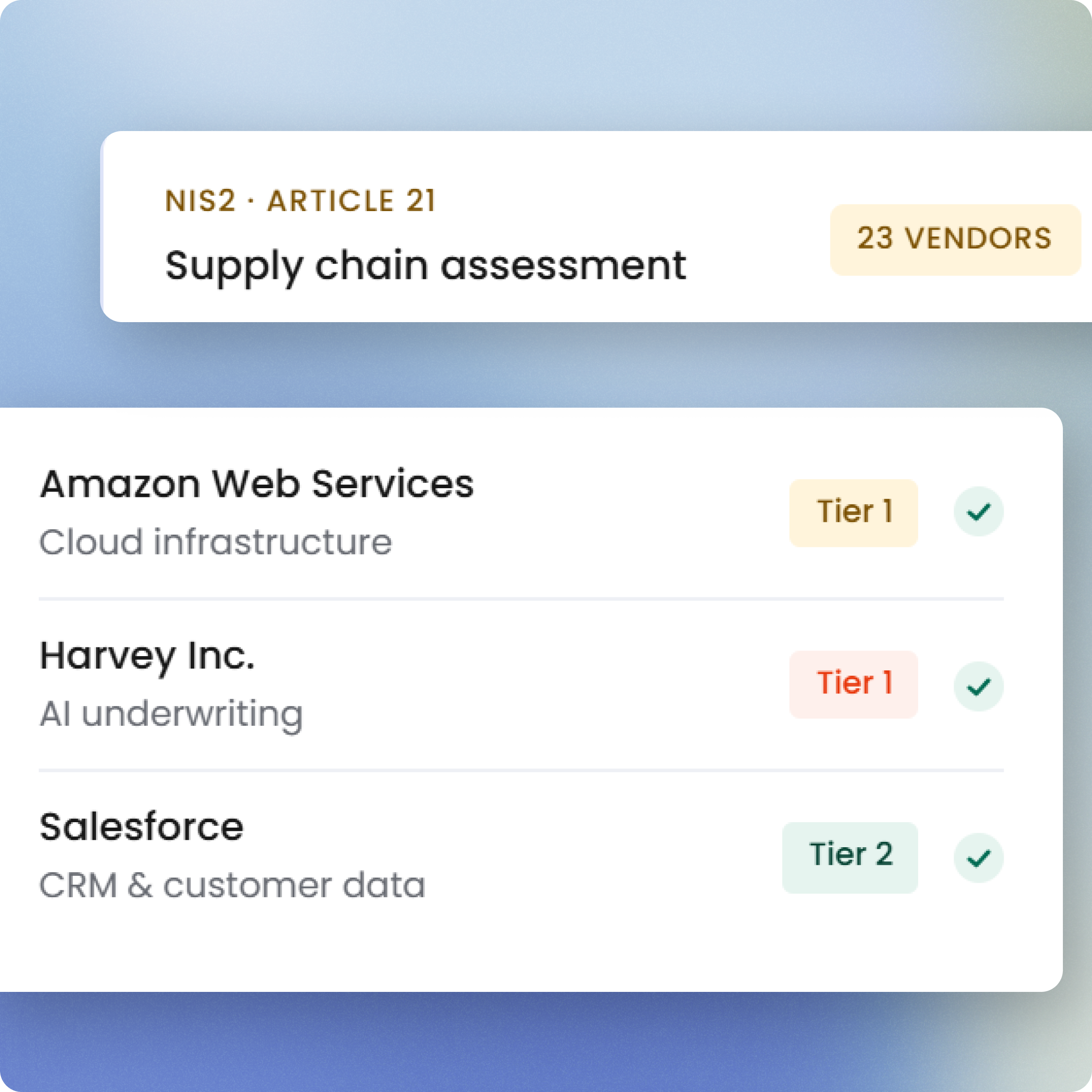
When Confluence holds your incident response procedures, security policies, and business continuity documentation, it becomes an ICT service supporting critical operational functions. Losing access to it - or discovering that access was compromised - has direct implications for your NIS2 Article 21 security obligations. Connecting Confluence to Montro ensures it is documented and assessed as part of your supply chain security posture.

Learn more →
05ISO 27001

ISO 27001

Confluence and ISO 27001 - who can read your controls?

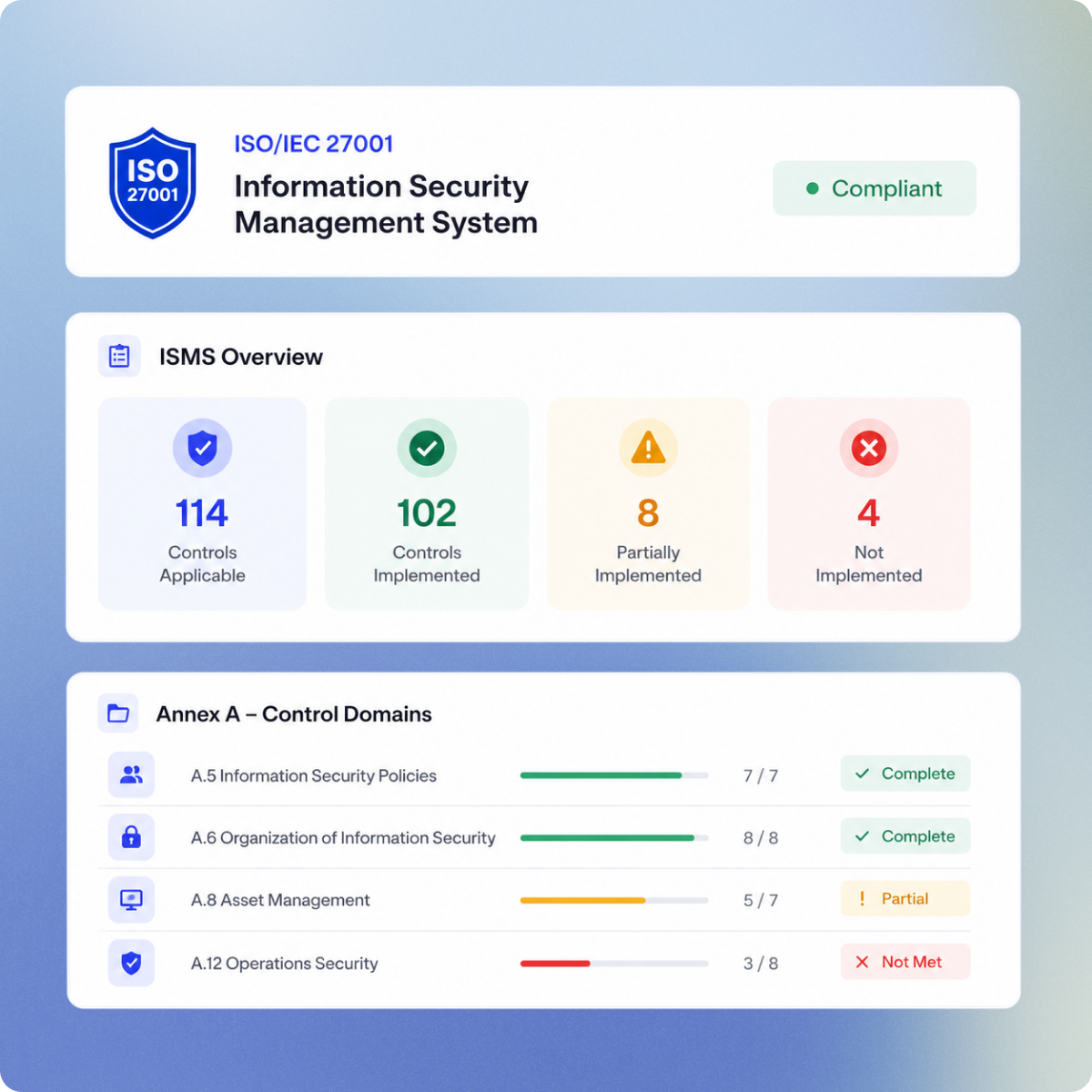
ISO 27001 requires documented information security policies, procedures, and controls - and Confluence is where most organisations store them. But access to those documents is itself an access control question (A.5.15, A.5.16). Montro imports Confluence user data into your governed inventory, giving auditors visibility into who can access the policy documentation that ISO 27001 audits will ask to see.

Learn more →

Discovery

What Montro discovers from Confluence

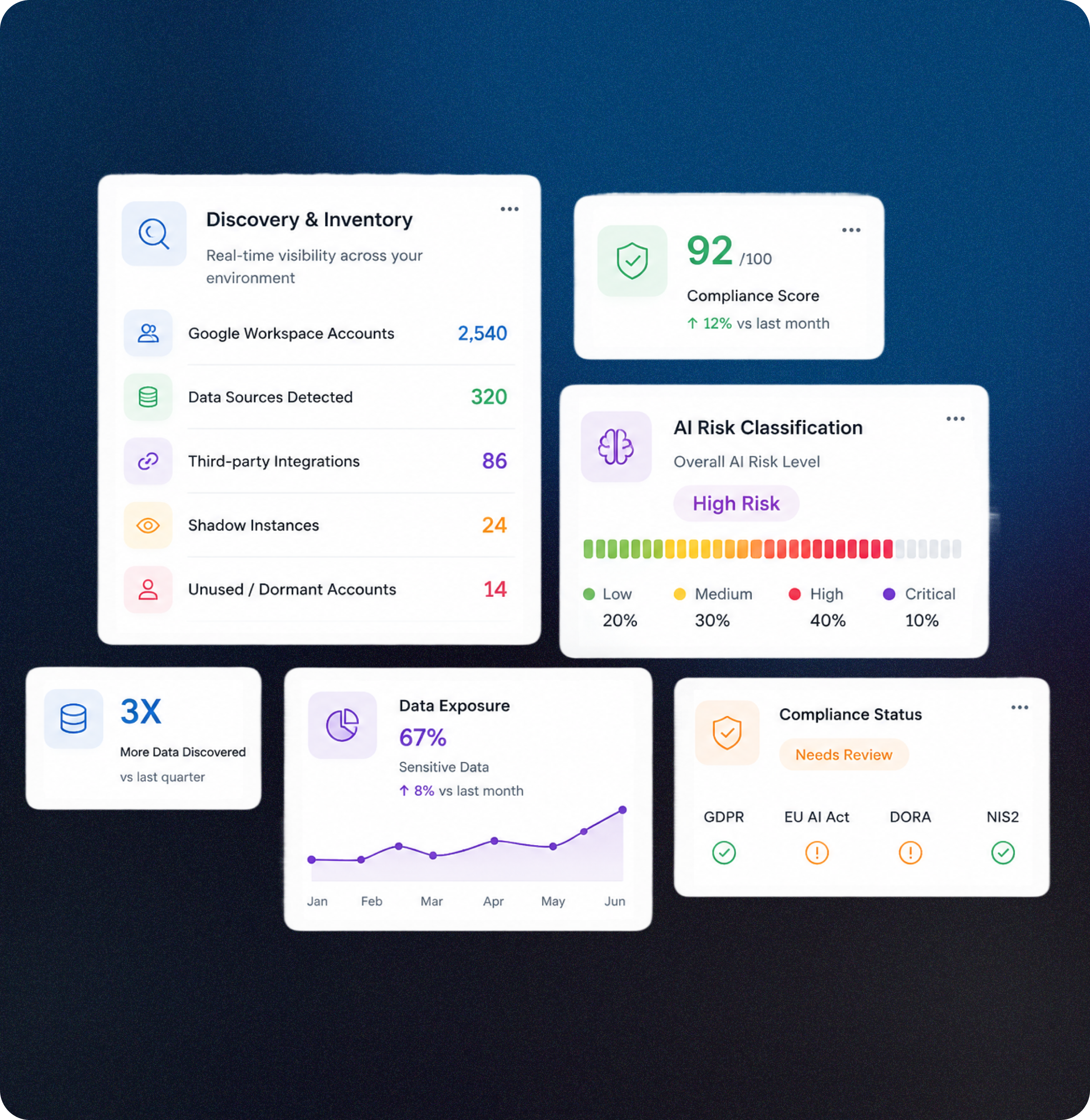
Confluence accumulates users over time - former employees whose accounts were never deprovisioned, contractors added for a project, external collaborators invited to a single space. Montro imports Confluence user records into your governed inventory so the picture you have of who can access your documentation reflects who actually should.

Documentation platform user visibility

Montro imports every user account in your Confluence organisation - including legacy accounts from departed employees, contractors added at the space level, and external collaborators whose access was never revisited. Knowledge management platforms accumulate access over time more than almost any other application category.

Sensitive content access governance

Confluence spaces routinely hold security policies, HR procedures, financial processes, client project documentation, and incident post-mortems - content that carries significant exposure if accessed by someone who should no longer have it. Montro surfaces who holds that access so your DPO and security team can assess it against your GDPR and security obligations.

Offboarding and access hygiene

Unlike communication tools where stale access is inconvenient, stale Confluence access is a data exposure risk. Former employees retaining access to policy documentation, security procedures, or client project spaces creates a specific category of compliance concern. Montro keeps Confluence user records current so those accounts are visible and actionable.

Subscription and licence tracking

Confluence licences are imported into Montro's Subscriptions module alongside every other application in your estate. Track seat allocation, identify inactive licences, and understand what your organisation is spending on its knowledge management infrastructure - without having to cross-reference Atlassian billing with HR data manually.

Technical details

Authentication Method


Confluence authenticates using four credentials: an Organisation URL, Group Name, Email Address, and API Key. The API Key is generated from the administrator's Atlassian account settings. All four values are required to establish the integration. 


How to Connect:


  1. Navigate to Integrations in your Montro dashboard.
  2. Select Confluence from the integrations catalogue and click Connect.
  3. Enter your Confluence Organisation URL.
  4. Enter your Confluence Group Name.
  5. Provide the Email Address associated with your Atlassian administrator account.
  6. Enter your Atlassian API Key.
  7. Click Connect to authorise the integration.
  8. Montro validates the credentials and establishes the connection.
  9. Confluence user identities are synchronised automatically to Montro's Users module.
  10. Review imported user records within the Users module in Montro.


Data Synced

Users Module

Confluence user identities, including email addresses and account information.


Data Residency


Confluence data imported into Montro is stored on AWS Frankfurt (eu-central-1), within the European Union. No customer data is transferred outside the EU. Data residency terms are specified in Montro's Data Processing Agreement.


Sync Frequency


Data can be synchronised manually at any time after the initial connection, with no limit on the number of manual syncs. Montro also provides an automatic sync option - when enabled, the platform synchronises data once every night to keep information current.


Permission Scope


Montro requests read-only access to Confluence user and account information using an Atlassian API Key. The integration does not access Confluence page content, space data, documents, attachments, or any content stored within the knowledge base. No changes are made to your Confluence environment. Access is limited to user identities and account-level information only.


EU Data Storage


Montro's infrastructure runs exclusively on AWS eu-central-1 (Frankfurt), governed by Irish and EU law. There is no FISA 702 exposure and no Schrems II ambiguity. Your data is never replicated outside the EU without your explicit, documented consent. EU data residency is not a configuration option, it is the architecture.
Related

Apps commonly used with Confluence

Discover compliance profiles for tools in your stack.

CRM & Sales Tools

HubSpot CRM Access & GDPR Governance

HubSpot holds your customers' contact records, email history, and deal data - and not everyone with access to it should still have it. Connect HubSpot to Montro to see exactly who can reach your CRM and govern that access against your GDPR and compliance obligations.

Learn more →

Identity & Access Governance for Microsoft Entra ID

Microsoft Entra ID is the identity backbone of your Microsoft environment. Connect it to Montro and bring your entire directory - users, roles, licences, MFA status, and application access - into a single governed view alongside your wider SaaS and AI estate.

Learn more →

OpenAI Governance & Compliance Discovery

Most organisations using OpenAI have no visibility into who holds access, how many seats are active, or whether usage is documented against EU AI Act obligations. Montro surfaces all of it.

Learn more →

Collaboration & Messaging

Slack Workspace Access & AI Governance

Slack is where work happens, and where ungoverned access accumulates. Guest accounts, inactive seats, and users added outside your identity provider all show up when Montro connects to your workspace.

Learn more →
Ankur Arora

Ankur Arora

Co-founder

Fifteen years of enterprise digital transformation across telecoms, media, consumer goods, and agriculture - and a front-row seat to AI adoption outpacing governance at every organisation he worked in. He built Montro so the next firm doesn't have to learn that lesson the hard way.