Montro

Identity & Access Governance for Microsoft Entra ID

Microsoft Entra ID is the identity backbone of your Microsoft environment. Connect it to Montro and bring your entire directory - users, roles, licences, MFA status, and application access - into a single governed view alongside your wider SaaS and AI estate.

01GDPR

GDPR

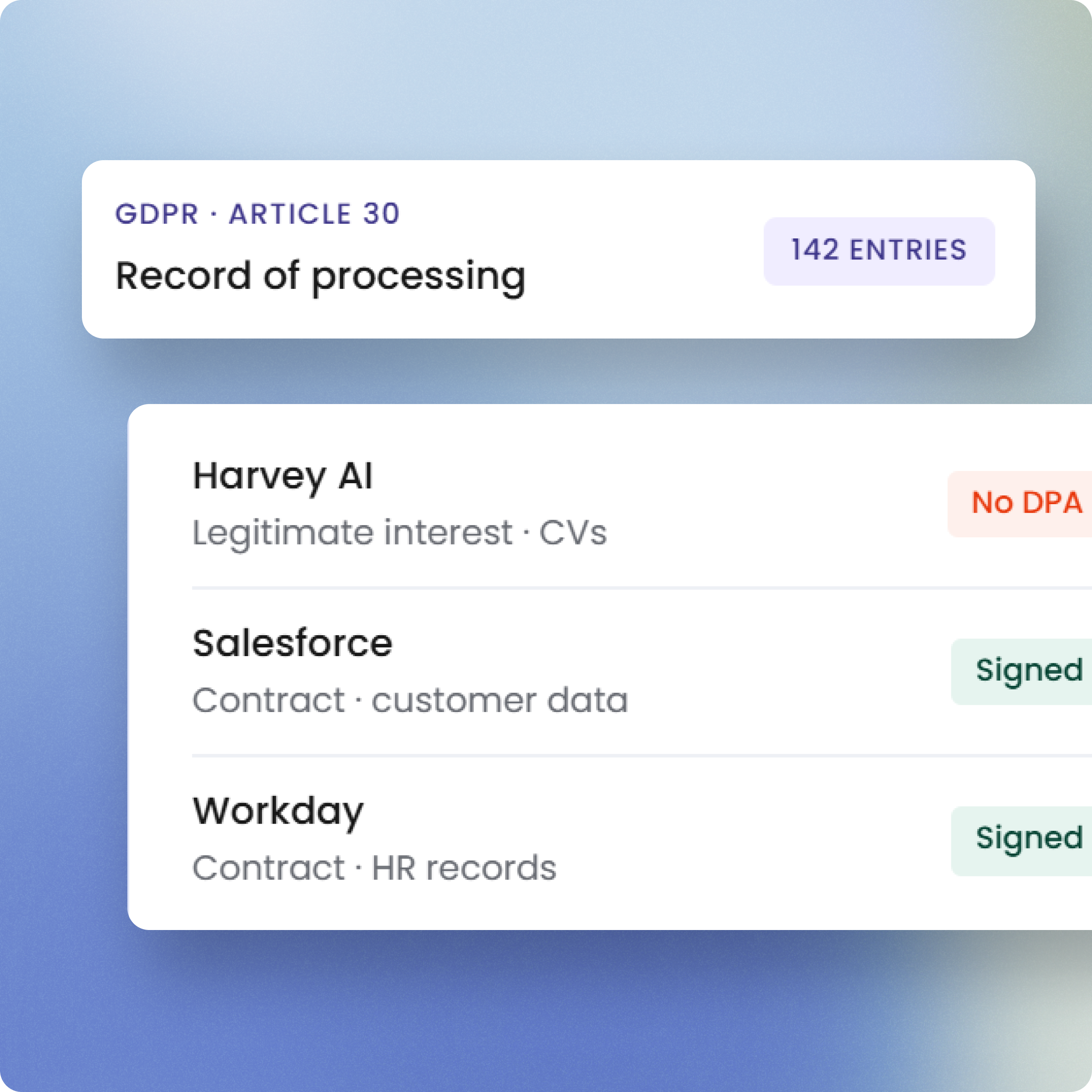
Entra ID and GDPR - your directory is a repository of personal data

Every record in Entra ID is personal data - names, email addresses, authentication events, role assignments, sign-in logs. Under GDPR, your organisation controls this data and Microsoft processes it on your behalf. A Data Processing Agreement must be in place. When Montro connects to Entra ID, identity data flows into Montro EU-hosted infrastructure under a separate DPA, remaining within the EU throughout.

Learn more →
02EU AI Act

EU AI Act

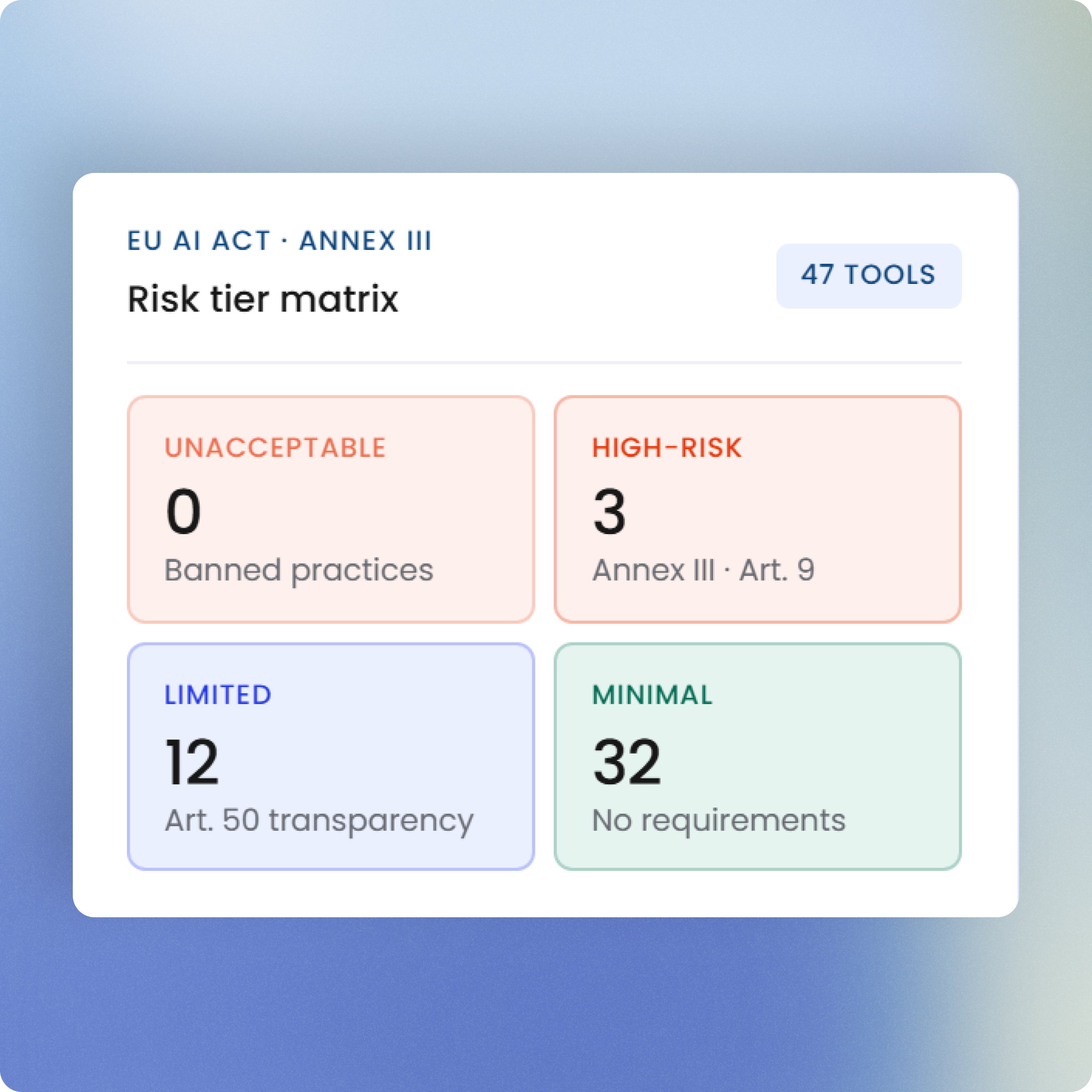
Entra ID and the EU AI Act - AI-powered identity risk features in scope

Microsoft Entra ID uses AI-driven risk detection to flag suspicious sign-ins, anomalous access patterns, and compromised identity signals. If your organisation has Identity Protection features enabled, these qualify as AI systems under the EU AI Act and deployer obligations apply. Montro surfaces Entra ID in your governed inventory so AI-powered identity features are documented alongside your broader compliance programme.

Learn more →
03DORA

DORA

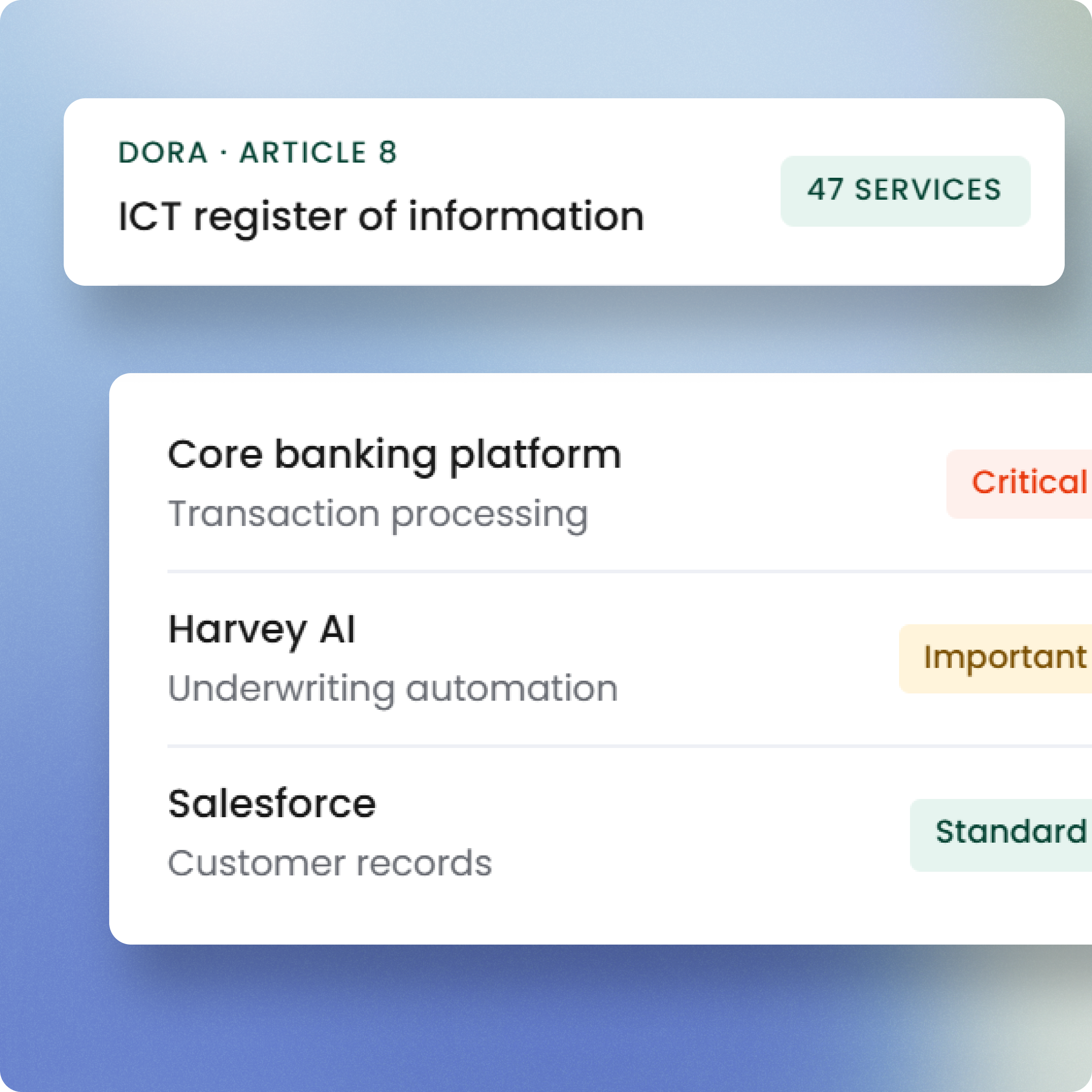
Entra ID and DORA - identity belongs at the top of your ICT register

An ICT Third-Party Register without your identity provider is structurally incomplete. Entra ID controls access to every other ICT tool in your organisation - its absence from the register is not a gap, it is a foundation missing. Connecting Entra ID to Montro puts identity at the centre of your DORA Article 28.3 register where it belongs.

Learn more →
04NIS2

NIS2

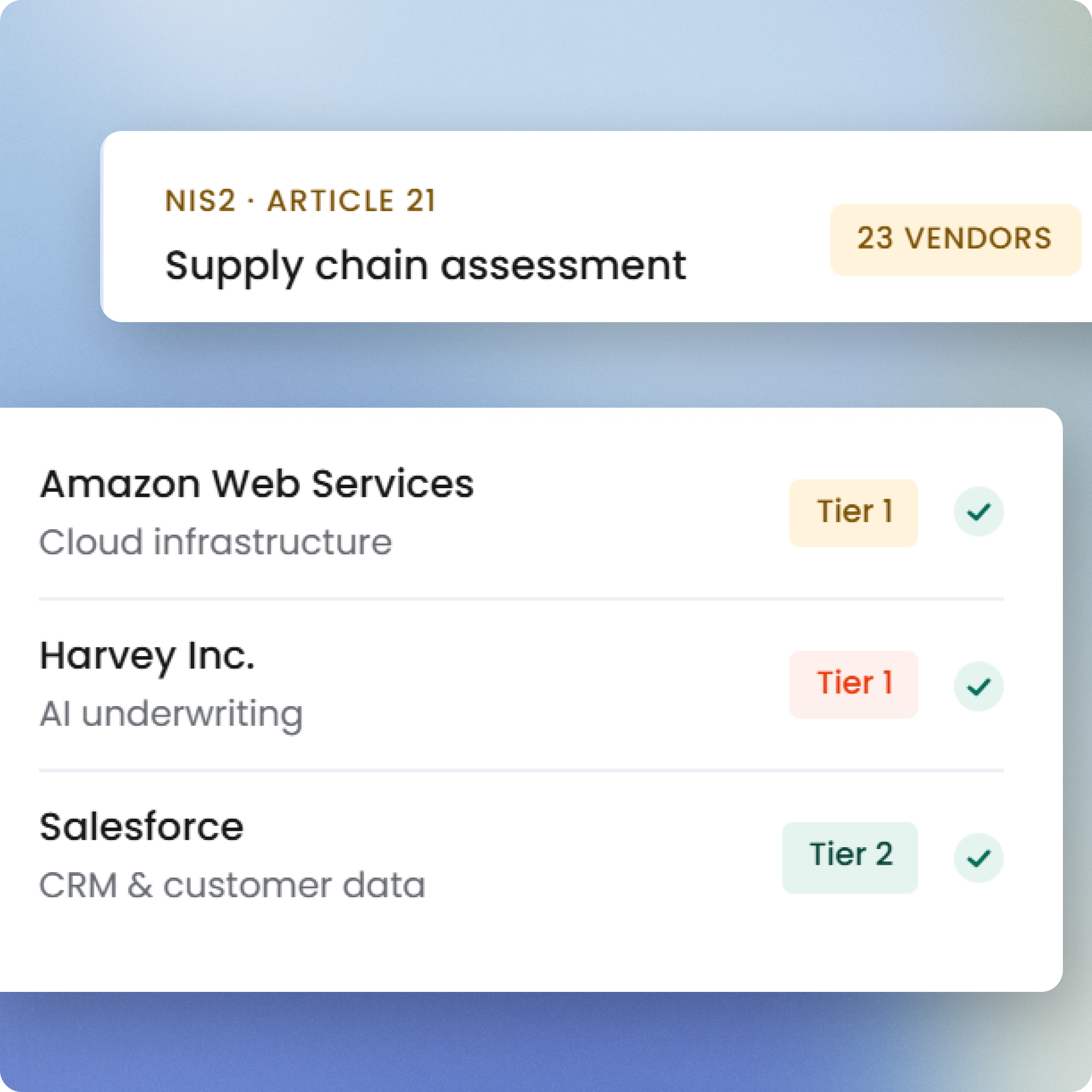
Entra ID and NIS2 - identity infrastructure is your most critical ICT supplier

If any single ICT supplier warrants documentation under NIS2 Article 21(3)(d), it is your identity provider. Entra ID controls who accesses every other application in your stack. Montro connects Entra ID data with application discovery, making identity infrastructure visible in your supply chain security posture and supporting the access control obligations under Article 21(2)(i).

Learn more →
05ISO 27001

ISO 27001

Entra ID and ISO 27001 - the evidence base for access control

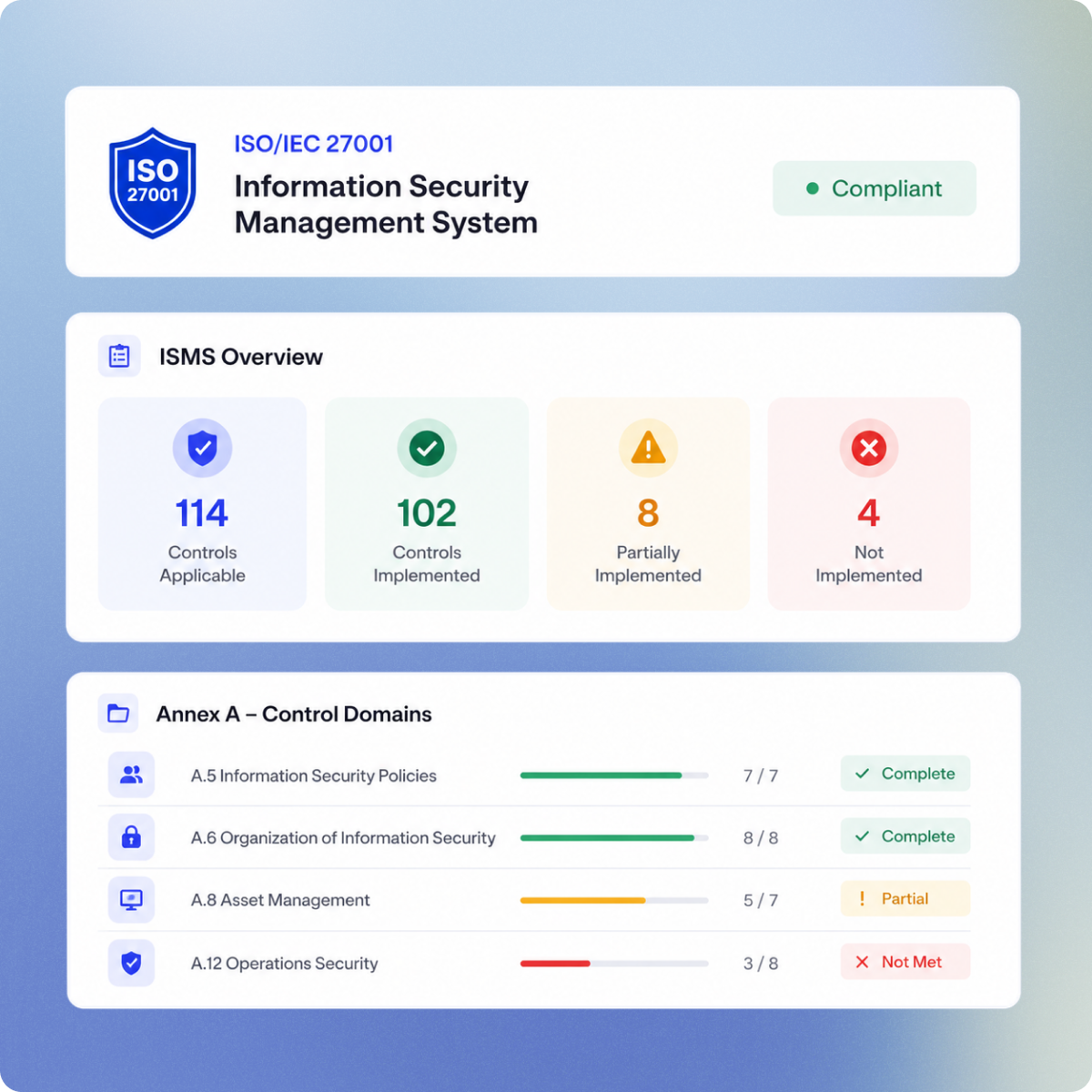
ISO 27001 access control requirements (A.5.15, A.5.16, A.5.17, A.8.2, A.8.3) demand documented policies, provisioning processes, and access reviews. Entra ID data in Montro - users, roles, licences, MFA status, application assignments - provides the consolidated, timestamped evidence base that access control audits require. Less manual reconciliation. More defensible records.

Learn more →

Discovery

What Montro discovers from Microsoft Entra ID

Entra ID holds more about your users than almost any other application - who they are, what they can access, what roles they hold, and how they authenticate. Connecting it to Montro brings that intelligence into your governance programme, mapping identity relationships against your EU compliance obligations from a single platform.

Complete identity visibility

Montro synchronises every user identity registered in Entra ID - including email addresses, account status, MFA registration, and sign-in activity. You get a current, auditable record of your entire directory, not just the users IT knows about through manual tracking.

Application access mapping

See which applications each user can access through Entra ID, and which roles and permissions govern that access. Montro maps these relationships so you can identify over-provisioned users, orphaned accounts, and access that has accumulated over time without review.

Licence and role intelligence

Entra ID licence assignments and role data are imported into Montro alongside application access records. Track how Microsoft licences are distributed, identify inactive assignments, and maintain an accurate record of role holders - the kind of evidence ISO 27001 and DORA auditors will ask for.

MFA and sign-in oversight

Montro imports MFA registration status and sign-in information from Entra ID, giving security teams visibility into authentication hygiene across the directory. Identify users without MFA enrolled, flag inactive accounts still holding active credentials, and maintain the access oversight NIS2 Article 21 demands.

Technical details

Authentication Method


Microsoft Entra ID authenticates through Microsoft's OAuth authorisation flow. Administrators sign in with their Entra ID admin account credentials, complete multi-factor authentication via Microsoft Authenticator, and grant Montro access by providing administrator consent on behalf of the organisation. 


How to Connect:


  1. Navigate to Integrations in your Montro dashboard.
  2. Select Microsoft Entra ID from the integrations catalogue and click Connect.
  3. On the permissions screen, click Connect to begin the Microsoft authentication process.
  4. Sign in with your Microsoft Entra ID administrator account by entering your email address.
  5. Enter your password and click Sign In.
  6. Complete multi-factor authentication by opening Microsoft Authenticator and approving the sign-in request.
  7. Review the requested permissions and select 'Consent on behalf of your organisation'.
  8. Click Accept to grant Montro access to the required identity and directory data.
  9. Montro begins synchronising Entra ID records - users, applications, licences, roles, role assignments, MFA status, and sign-in information.
  10. Review synchronised user identities within the Users module in Montro.


Data Synced

Users Module

Entra ID user identities, email addresses, account status, MFA registration, and sign-in information.

Applications

Application assignments and access relationships between users and applications managed through Entra ID.

Roles & Licences

Role assignments, role holder records, and Microsoft licence allocation data.


Data Residency


Microsoft Entra ID data imported into Montro is stored on AWS Frankfurt (eu-central-1), within the European Union. No customer data is transferred outside the EU. Data residency terms are specified in Montro's Data Processing Agreement.


Sync Frequency


Data can be synchronised manually at any time after the initial connection, with no limit on the number of manual syncs. Montro also provides an automatic sync option - when enabled, the platform synchronises data once every night to keep information current.


Permission Scope


Montro requests read-only access to Microsoft Entra ID directory data. The integration retrieves user identities, application assignments, roles, licences, MFA status, and sign-in information. Montro does not modify Entra ID settings, user accounts, roles, or directory configurations. Administrator consent on behalf of the organisation is required to access tenant-level directory data.


EU Data Storage


Montro's infrastructure runs exclusively on AWS eu-central-1 (Frankfurt), governed by Irish and EU law. There is no FISA 702 exposure and no Schrems II ambiguity. Your data is never replicated outside the EU without your explicit, documented consent. EU data residency is not a configuration option, it is the architecture.

Related

Apps commonly used with Microsoft Entra ID

Discover compliance profiles for tools in your stack.

Collaboration & Messaging

Microsoft Teams Collaboration Governance

Microsoft Teams is central to how your organisation communicates - and often overlooked in access reviews. Montro imports Teams users and licences so your collaboration platform is as governed as everything else in your estate.

Learn more →

Okta Identity Governance & Compliance

Okta controls who gets into everything else. Without it in your governed inventory, your compliance picture has a gap at the foundation. Montro connects Okta identity data to your full application estate.

Learn more →

Jira External User Discovery & Governance

Jira accounts are where contractors, agencies, and external collaborators often live - outside your identity provider, outside your offboarding process, and outside your compliance picture. Connect Jira to Montro to bring them in.

Learn more →
Ankur Arora

Ankur Arora

Co-founder

Fifteen years of enterprise digital transformation across telecoms, media, consumer goods, and agriculture - and a front-row seat to AI adoption outpacing governance at every organisation he worked in. He built Montro so the next firm doesn't have to learn that lesson the hard way.